Over eighty percent of all consumer internet traffic consists of video data, making post-production tools central to modern communication. Choosing the right workstation program decides how fast a project moves from raw footage to a finished export. Modern post-production relies on non-linear editing systems that allow operators to alter frame sequences without changing original media files.
Professional video editors balance technical stability, color grading accuracy, audio processing, and rendering speed. Whether cutting a Hollywood film, assembling an online tutorial, or preparing vertical clips for social feeds, your software directly influences your workflow. As graphic assets, animations, and sound elements merge into complex timelines, picking the correct tool saves hundreds of production hours.
Core Trends Defining Video Editing Software in 2026: AI Automation, Neural Rendering, and Cloud Workflows
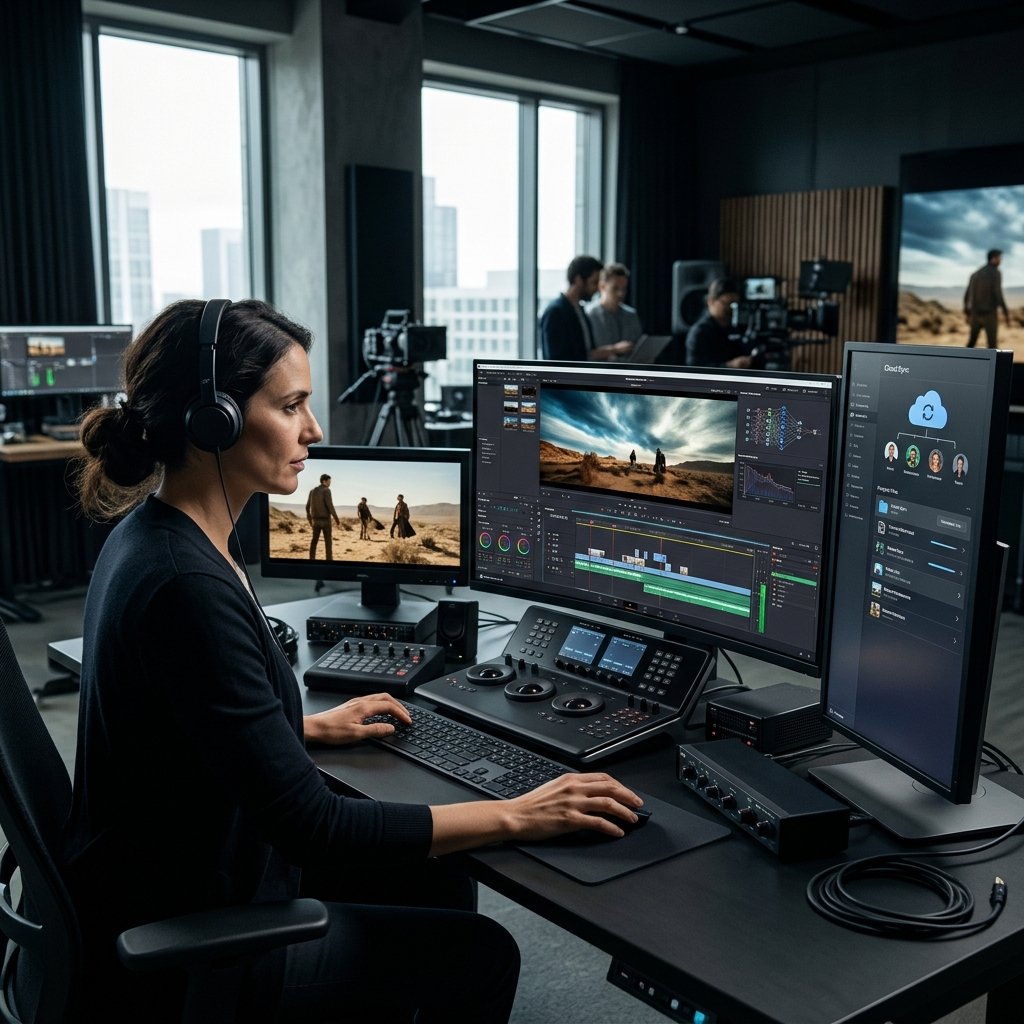
The post-production sector has shifted away from purely manual assembly toward assisted computing. Automated tasks now handle the tedious stages of cutting, such as speech transcription, color matching, and rough assembly. Neural rendering engines predict complex lighting interactions and generate missing intermediate frames during slow-motion retiming, producing cleaner results without artifacting.
Cloud collaboration allows distributed teams to work on the exact same project file simultaneously. Proxy files upload immediately from cinema cameras to remote servers, letting an assistant editor log b-roll in London while the primary editor cuts scenes in New York.
Real-time browser-based review links make client feedback direct, placing timecode-specific notes right on the visual track. Editors who work across different disciplines frequently adapt other tools to their pipelines, such as pairing footage cuts with the best photo editing software in 2026: top tools compared for multi-layer thumbnail creation and matte paintings.
Machine Learning in Assembly
Modern NLE suites automatically identify silent pauses, false starts, and repeated sentences from auto-generated transcripts. Editors can trim dialogue simply by deleting text within a script window. Scene detection models automatically separate long continuous captures into neat, categorized sub-clips.
Distributed Rendering Pipelines
Centralized rendering offloads export tasks to remote server farms. This stops individual workstations from freezing during resource-intensive tasks like spatial video encoding, multi-camera conforming, or complex temporal noise reduction.
| Capability | Legacy NLE Workflow | Modern Connected Workflow |
|---|---|---|
| Audio Syncing | Manual waveform alignment | Automated acoustic fingerprinting |
| Subtitling | Manual typing and keyframing | Real-time speech engine generation |
| Project Storage | Local high-speed disk arrays | Synchronized hybrid cloud pools |
| Color Grading | Single-shot matching via scopes | Automated scene-wide balance passes |
Top Professional Video Editors for High-End Production, Cinema, and Studio Work

Cinema and commercial broadcast studios require rock-solid reliability and deep hardware support. The high-end production space continues to rely on foundational software platforms that manage large team structures, multi-channel sound mixing, and broadcast-safe output standards.
Working within these environments involves strict adherence to industry standards, where non-linear editing principles prevent destructive modifications to multi-terabyte camera master clips. Editors operating at this scale rely on specialized systems designed for shared local networks, tactile control surfaces, and color suites calibrated to precise photometric targets.
Professional Post-Production Hierarchy
- Ingest & Metadata Logging
- Rough Assembly & Trimming (NLE)
- VFX & Compositing (Node-based systems)
- Fairlight / Pro Tools Audio Mastering
- Color Conforming & DCI Deliverables
DaVinci Resolve Studio
Blackmagic Design maintains an industry-standard package with DaVinci Resolve Studio. What began primarily as a color grading solution now integrates node-based visual effects inside Fusion and full digital audio production via Fairlight.
Its dedicated Cut page provides rapid assembly tools for commercial editors working against tight broadcast deadlines. Resolve uses hardware-accelerated color engines that run natively on dedicated workstation GPUs, processing RAW camera formats with minimal latency.
Adobe Premiere Pro
Adobe Premiere Pro remains central to corporate studios, documentary units, and commercial agencies. Its primary strength lies in its native link with Adobe Creative Cloud tools like After Effects and Audition.
Productions handle large arrays of audio tracks, graphic overlays, and complex timelines without rendering intermediate files. The Essential Sound panel simplifies voice clarity adjustments, while native support for camera-to-cloud protocols connects field crews straight to the active editorial desk.
Avid Media Composer
Avid Media Composer remains the standard infrastructure choice for major motion pictures and episodic television. Its media management prevents database corruption across massive shared storage networks.
While its learning curve remains steep compared to consumer-focused applications, its trim tools, bin-sharing protocols, and script-based editing features provide unmatched stability for long-form narrative projects.
Best Video Editing Software for Creators, Social Media, and YouTube Automation


Online creators demand speed, automated reformatting, and direct distribution features. Independent publishers often manage every part of production alone, meaning the software must provide pre-built assets, motion graphic presets, and streamlined sound design tools. Creators who need illustrated overlays often design source assets in the best free drawing software in 2026: 8 tools compared before importing alpha channels into their project bins.
Fast timeline navigation and native export settings tailored to modern web platforms separate creator-focused programs from traditional broadcast suites.
Final Cut Pro
Apple Final Cut Pro runs with extreme efficiency on Apple Silicon hardware. The software uses a trackless Magnetic Timeline that keeps clips connected without creating accidental sync collisions or timeline gaps.
Independent creators cutting on laptops gain fluid playback of multi-stream high-resolution files without relying on background render files. For developers working on associated web tools, pairing efficient media engines with the best code editor for Mac in 2026: 7 tools compared builds a clean environment for app demos and software walkthroughs.
CapCut Desktop
CapCut has transformed from a mobile utility into a widely used desktop tool for short-form social video. The desktop version handles automated speech-to-text subtitling, motion tracking, background extraction without green screens, and sound effect libraries.
Users need to review terms of service regarding project privacy and asset licensing before processing proprietary corporate work, but for vertical viral formats, its assembly speed is remarkable.
Wondershare Filmora
Filmora offers a bridge between simple drag-and-drop tools and multi-track non-linear editors. It provides split-screen presets, integrated stock footage search, auto-ducking for background music, and direct social export tools. It serves solo entrepreneurs, educators, and emerging vloggers who need attractive visuals without studying advanced post-production theory.
The Leading Free and Open-Source Video Editors Delivering Premium Results
High-quality video editing does not always require a recurring software subscription. Free and open-source applications offer stable, feature-packed timeline workflows that handle modern video containers, open codecs, and multi-track layouts.
Independent documentarians and hobbyists can produce clean, professional deliverables while maintaining total ownership of their software tools.
Free Tool Spectrum
- Basic Open Source: Shotcut, OpenShot
- Advanced VFX & Assembly: Kdenlive, Blender VSE
- Professional Full-Suite Studio: DaVinci Resolve (Free Tier)
Free applications generally avoid proprietary subscription ecosystems, running on open data principles that keep old project files accessible indefinitely.
DaVinci Resolve (Standard Free Edition)
The free edition of DaVinci Resolve is among the most complete creative tools distributed at zero cost. Unlike software versions that watermark exports or limit rendering lengths, standard Resolve outputs high-resolution video up to Ultra HD at sixty frames per second.
It contains the core editing timeline, the complete color grading node tree, Fusion compositing spaces, and Fairlight sound mixing. It lacks specific neural automation filters, stereoscopic 3D tools, and multi-GPU acceleration found in the paid Studio license, but it easily supports professional-grade productions.
Kdenlive
Built on the MLT Framework and KDE libraries, Kdenlive delivers an open-source editing platform for Linux, Windows, and macOS. It features a fully configurable interface, dual video monitors, multi-track timeline organization, and customizable keyboard layouts.
Kdenlive handles almost any audio or visual codec without requiring pre-conversion, using FFmpeg libraries under the hood. It includes automatic backup systems and full color grading scopes, giving open-source video teams reliable tools without licensing barriers.
Shotcut
Shotcut provides a cross-platform editing experience that avoids proprietary library dependencies. It features native timeline editing, meaning video files do not need to be ingested or converted to intermediary formats before assembly begins.
Shotcut handles wide color spaces, hardware-accelerated encoding, audio filtering, and 4K output. Its user interface is minimal and lightweight, making it run smoothly on older hardware where commercial suites struggle.
How to Choose the Right Video Editing Software in 2026: Hardware Specs, AI Toolkits, and Pricing Models
Picking video software requires balancing your physical computer hardware, the formats you shoot, and your budget model. A software suite loaded with cutting-edge tools provides little value if your central processor cannot process timeline media smoothly.
Understanding software-to-hardware relationships and ongoing cost models ensures you pick a tool that maintains stability throughout production.
Evaluating Computing Hardware
Modern editing suites rely heavily on unified memory pools, dedicated media decoders, and high-speed local storage. Before buying software, confirm that your computer meets its operational requirements:
- System Memory: 16 gigabytes of RAM is the absolute baseline for 1080p timelines. Working with 4K, 10-bit color, or high-frame-rate files requires 32 to 64 gigabytes to prevent timeline stutter and cache crashes.
- Dedicated Video Memory: Node-based visual tools and color grading suites store display buffers directly on graphic cards. A minimum of 8 gigabytes of VRAM keeps system overhead manageable.
- Internal Storage: Run your software executable and project caches on dedicated NVMe solid-state drives. High data read rates ensure smooth scrubbing across complex, multi-layered timelines.
- Silicon Media Decoders: Modern processors include dedicated silicon modules engineered specifically to decode formats like H.264, HEVC, and ProRes in real time. Matching software to hardware that supports these codecs avoids time-consuming background proxy rendering.
Analyzing Software Costs and Monetization
Software companies generally use three business models: perpetual licensing, recurring subscriptions, and open-source models:
- Perpetual Licenses: Software like DaVinci Resolve Studio requires a single one-time payment. This model guarantees long-term access to projects without monthly charges, making it popular with freelancers and small studios managing recurring overhead.
- Subscription Models: Platforms like Adobe Creative Cloud charge a monthly or annual fee. This structure provides continuous updates, integrated cloud storage, and immediate access to support systems, but access disappears if payments stop.
- Open-Source and Free Products: Tools like Kdenlive and the free tier of DaVinci Resolve require zero initial capital. They allow creators to spend their budgets on better cameras, lenses, microphones, and storage hardware.
| Feature Category | Professional Tier | Creator Tier | Open Source Tier |
|---|---|---|---|
| Typical Cost | $299 one-time or $50+/month | $10–$25 monthly | Free |
| Color Control | 32-bit floating point, full ACES | Look-up table (LUT) presets | Standard curves and basic LUTs |
| Audio Routing | Full bus routing, multichannel | Basic gain, auto-ducking | Track-level EQ and LADSPA plugins |
| Learning Curve | High (weeks of study) | Low (days to understand) | Moderate (community documentation) |
| Hardware Need | Workstation-class GPU/RAM | Mid-tier consumer hardware | Accessible to modest PC builds |
Matching Tools to Project Scope
Choosing software begins with the delivery format:
- For long-form narrative films and complex audio mixes, DaVinci Resolve Studio or Avid Media Composer remain the safest investments.
- For multi-platform marketing content, episodic online series, and rapid creative turnarounds, Adobe Premiere Pro or Final Cut Pro provide the best mix of velocity and depth.
- For short-form social feeds, vertical marketing clips, and mobile-first video, CapCut Desktop or Filmora assemble finished videos with minimal friction.
- For cost-conscious artists, open-source advocates, and educational settings, Kdenlive and Shotcut provide full timeline control without software contracts.
In professional environments, media post-production often overlaps with surrounding digital asset management, where technical documentation workflows match practices seen in the best API to search a company homepage for asset organization. To understand the underlying mechanics of modern timelines, studying the technical structure of digital video compression formats helps creators pick the right compression profiles, bit depths, and export containers.
Key Takeaways
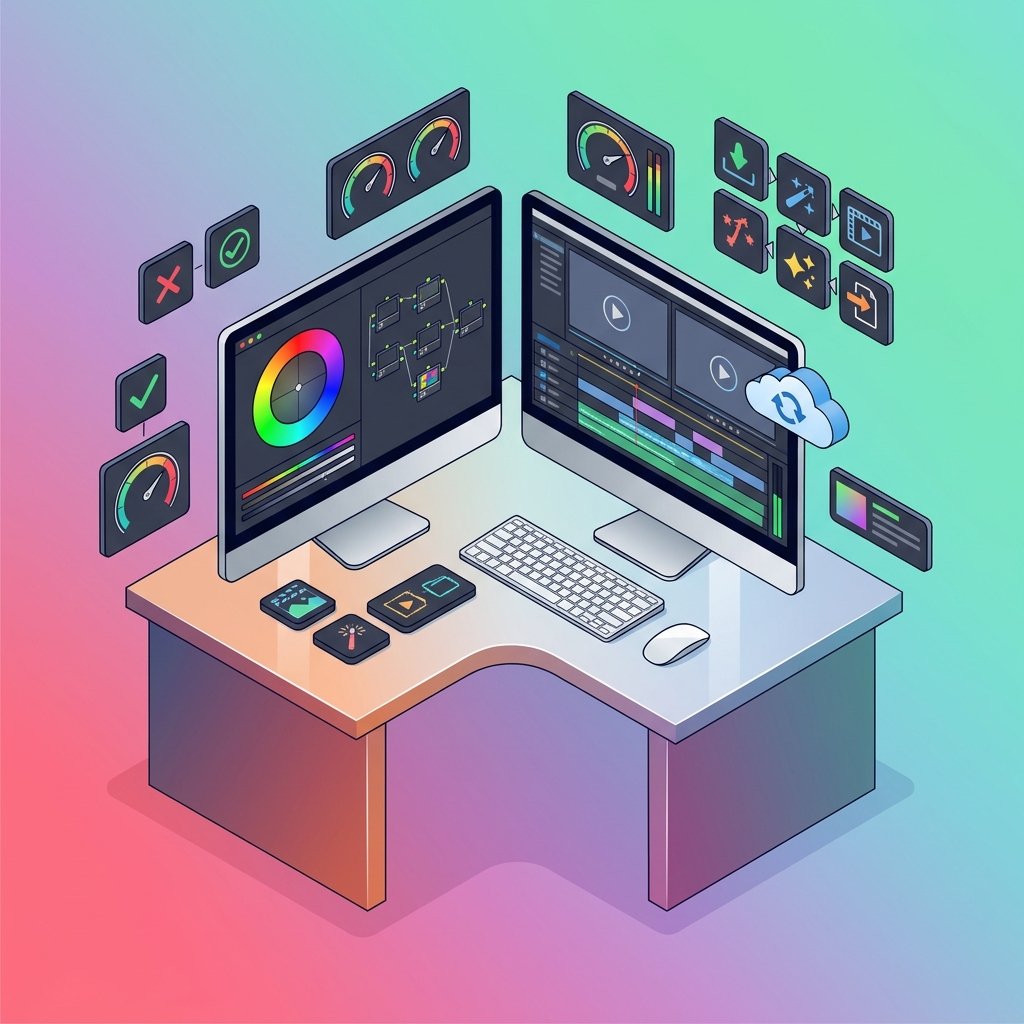
Selecting the right video editor comes down to your production scope, technical comfort, and hardware setup:
- DaVinci Resolve dominates professional color pipelines and offers the most capable free tier on the market.
- Adobe Premiere Pro provides unmatched software integration for studios already using Adobe software.
- Final Cut Pro offers the fastest timeline rendering and best energy efficiency for Apple hardware.
- CapCut Desktop and Wondershare Filmora prioritize production speed and integrated vertical assets for creator-led social channels.
- Kdenlive and Shotcut deliver deep non-linear editing control through completely open-source, non-subscription frameworks.
- Reliable editing depends heavily on your hardware configuration; investing in system RAM, fast NVMe cache storage, and supported media decoders is just as critical as your software choice.
Conclusion
The video editing market offers an impressive array of tools suited for every production size, experience level, and operating system. Advanced post-production no longer requires tens of thousands of dollars in proprietary rack-mounted hardware.
Modern editors can complete color grading, multi-mic dialogue cleanup, and motion graphics inside accessible software platforms.
Take time to experiment with the free versions and trial periods offered across these programs. Test each system with your primary camera formats, evaluate how comfortably the user interface fits your natural editing rhythm, and choose the software that lets you complete your vision with minimal technical resistance.
Frequently Asked Questions
Which video editing software is best for beginners?

Wondershare Filmora and CapCut Desktop are the best choices for complete beginners due to their clean interfaces and pre-made graphic templates. They simplify multi-track editing without requiring deep knowledge of complex post-production theory.
Can I edit professional-quality videos using free software?
Yes, the standard free edition of DaVinci Resolve provides professional-grade cutting, audio mixing, and color correction tools used on real commercial productions. Open-source programs like Kdenlive also offer comprehensive editing controls without requiring paid software licenses.
How much computer RAM is required for smooth 4K video editing?
A minimum of 32 gigabytes of RAM is recommended to edit 4K resolution media smoothly without timeline lag. Systems with 16 gigabytes can edit 4K footage, but they often require low-resolution proxy files to maintain acceptable playback performance.
Is DaVinci Resolve completely free to use for commercial projects?
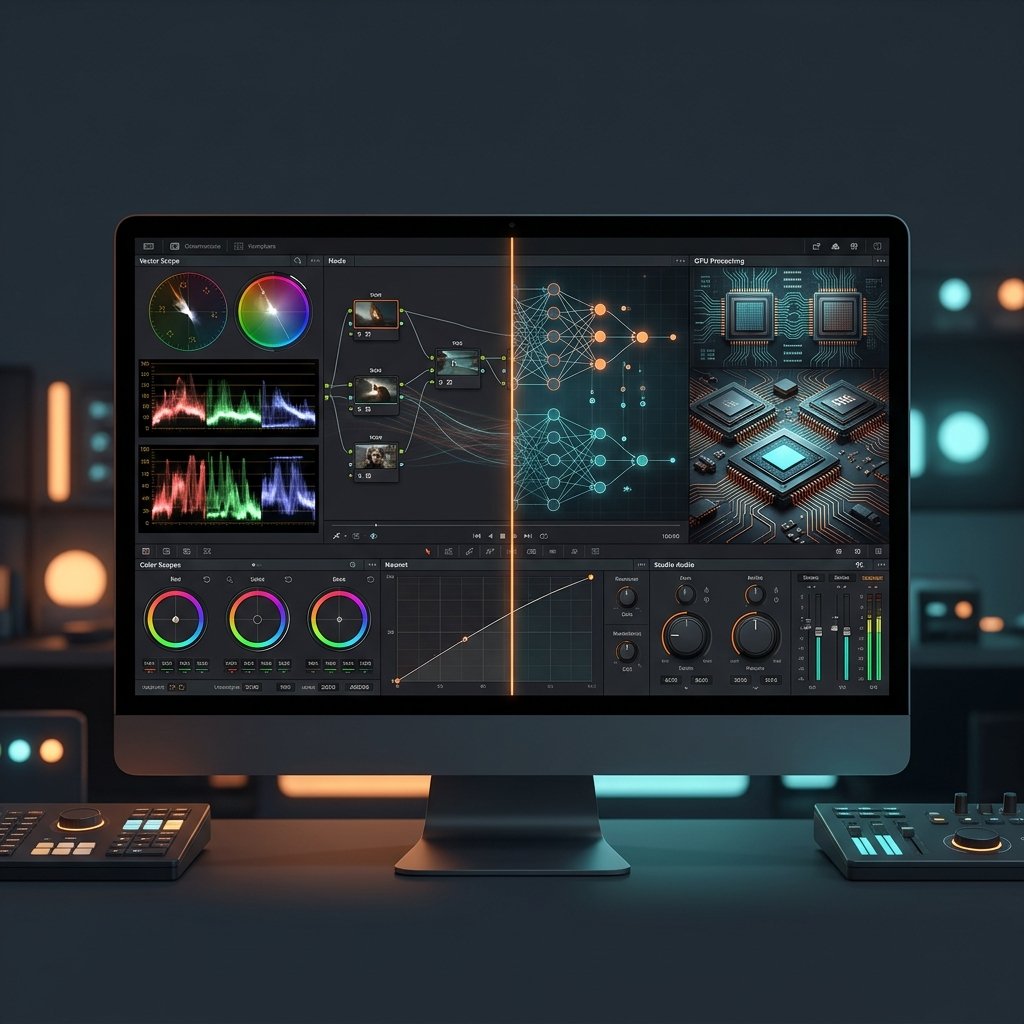
Yes, the base edition of DaVinci Resolve can be used to deliver commercial work without paying licensing fees or royalties. The paid Studio edition adds specialized neural tools, advanced noise reduction, multi-GPU processing, and stereoscopic features.
What is the difference between destructive and non-linear editing?
Non-linear editing does not alter original video and audio media files stored on your hard drive. The software references your source clips and applies cuts, color grades, and digital effects as visual preview instructions, rendering new files only during final export.
Does Final Cut Pro require a recurring monthly subscription?
No, Apple Final Cut Pro uses a one-time perpetual license model rather than an ongoing monthly fee. Once purchased, users receive periodic updates without additional charges, making it a cost-effective option for Mac-based creators.