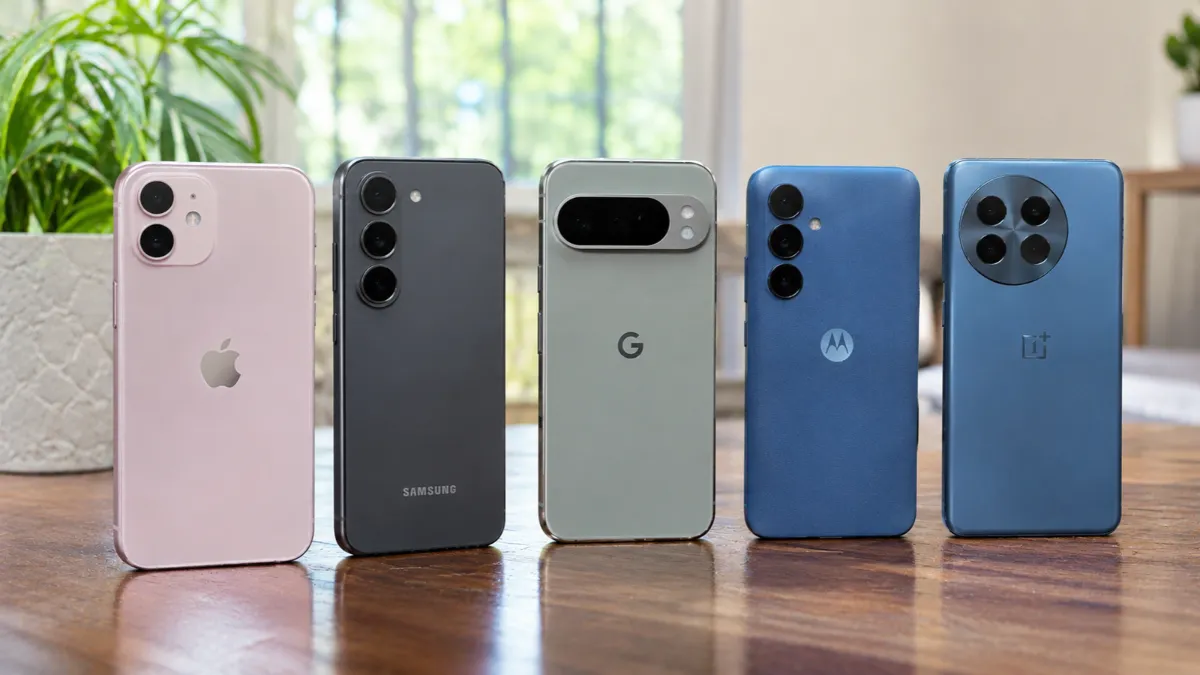
Choosing the best cell phone for seniors is about finding a device that makes everyday communication simple, comfortable, and reliable. Some older adults prefer traditional phones with large buttons and straightforward menus, while others want modern smartphones for video calls, photos, browsing, and staying connected with family.
The right phone should offer clear sound, readable text, an easy-to-navigate interface, dependable battery life, and useful safety features. Accessibility options such as screen magnification, voice commands, hearing-aid compatibility, and emergency assistance can also make a significant difference.
In this guide, we compare five cell phones for seniors, including traditional flip phones and modern smartphones. Each option serves a different need, helping older adults choose a phone that matches their comfort level and daily routine.
Quick Summary: Best Cell Phone for Seniors
The Apple iPhone 17 is a strong overall choice for seniors who want a modern smartphone with extensive accessibility tools. The Samsung Galaxy A37 5G offers a large display and a more affordable Android experience. For people who prefer physical buttons, the Lively Jitterbug Flip3 provides a simpler alternative with an emergency assistance option.
Those who want a simplified smartphone can consider the Lively Jitterbug Smart5, while the Google Pixel 10a is worth considering for seniors who prefer Google’s Android experience.
Key Takeaways
- The Apple iPhone 17 offers extensive accessibility features and emergency safety tools.
- The Samsung Galaxy A37 5G provides a large screen and a simplified home-screen option.
- The Lively Jitterbug Flip3 is designed for people who prefer physical buttons and simple calling.
- The Lively Jitterbug Smart5 offers a simplified smartphone interface with large text.
- The Google Pixel 10a combines Android features with accessibility and safety tools.
- Carrier compatibility, hearing-aid support, and available emergency services should be checked before purchasing.
1. Apple iPhone 17 – Best Overall Cell Phone for Seniors
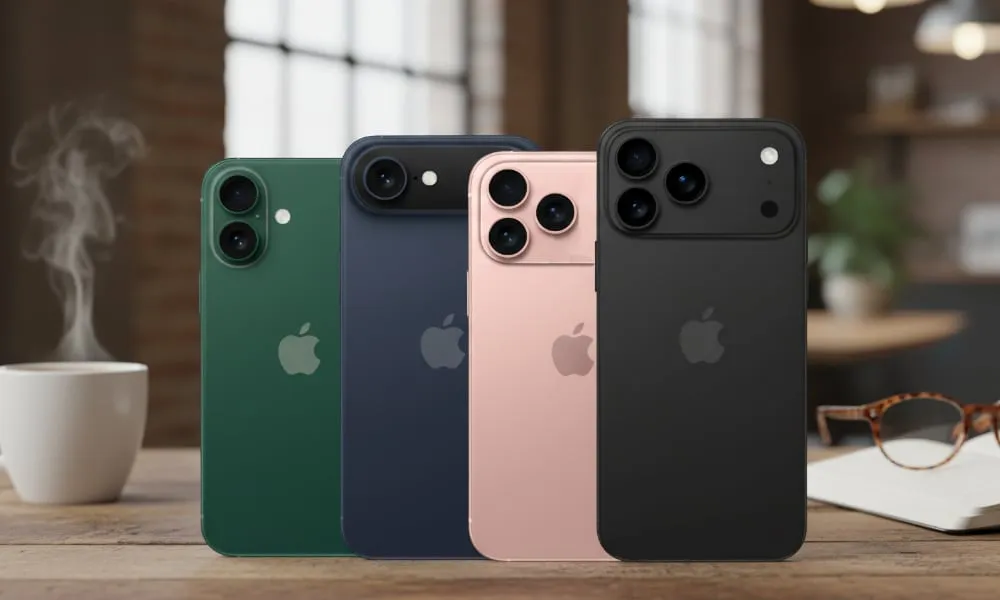
The Apple iPhone 17 is an excellent option for older adults who want a capable smartphone without sacrificing accessibility. Its familiar interface, bright display, and extensive customization options make it easier to adjust the phone to individual needs.
One of its biggest advantages is accessibility. Seniors can increase text size, use screen magnification, enable voice control, and adjust display settings. Siri also allows users to make calls, send messages, set reminders, and perform other everyday tasks using voice commands.
The iPhone 17 includes safety features such as Emergency SOS and Crash Detection. Availability of certain emergency features, including satellite services, depends on the user’s country, network, and regional support.
The phone also works well for video calls, online banking, photography, messaging, and entertainment. Family members who already use Apple devices may find it convenient to share photos, communicate, and use location-sharing features with permission.
Why Seniors May Like It:
- Adjustable text size and screen magnification.
- Voice control and Siri assistance.
- Emergency SOS and Crash Detection.
- Bright display for everyday reading.
- Strong support for video calls and messaging.
Potential Drawback: The iPhone 17 may be more expensive than simpler alternatives, and its touchscreen interface can take time to learn.
Best For: Seniors who want a modern smartphone with extensive accessibility and safety features.
2. Samsung Galaxy A37 5G – Best Value Android Phone for Seniors
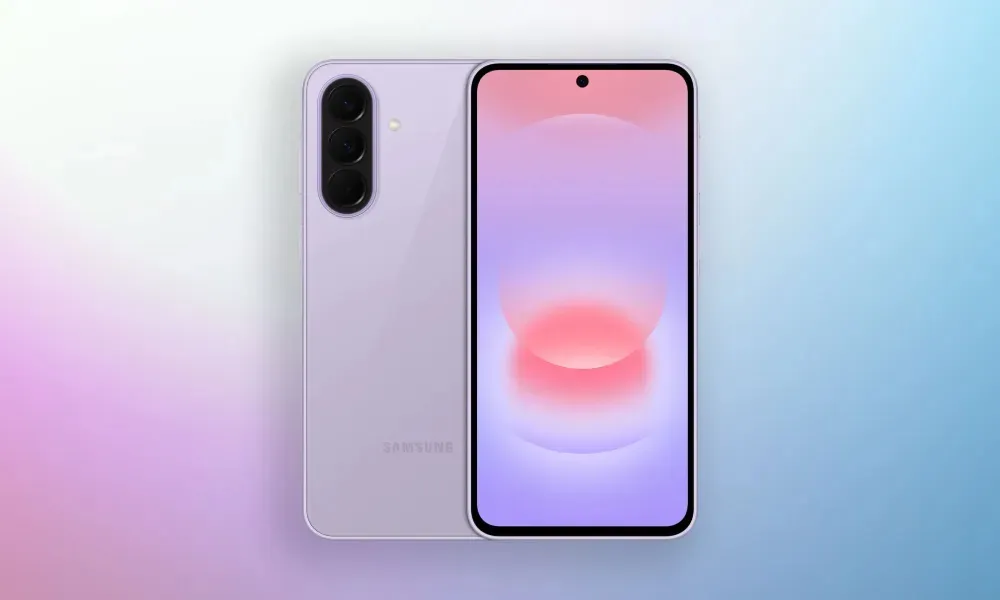
The Samsung Galaxy A37 5G is a practical option for seniors who prefer Android and want a large display without paying flagship-phone prices. Its 6.7-inch screen provides plenty of space for reading messages, viewing photos, browsing websites, and making video calls.
Samsung offers several accessibility settings that can make the phone easier to operate. Users can increase font size, adjust screen contrast, enable magnification, and use voice-related features. The Easy Mode option can simplify the home screen by displaying larger icons and making common functions easier to access.
Its large battery is useful for people who regularly make calls, browse the internet, or use messaging applications throughout the day. Samsung’s software support also helps keep the device updated over time.
For seniors who are moving from a basic phone to a smartphone, the Galaxy A37 5G offers a useful balance of screen size, everyday performance, and familiar Android features.
Why Seniors May Like It:
- Large 6.7-inch display.
- Easy Mode for a simpler home screen.
- Adjustable fonts and magnification.
- Long-lasting battery.
- Access to popular Android applications.
Potential Drawback: The standard Android interface may initially feel complicated to someone who has never used a smartphone.
Best For: Seniors who want an affordable Android smartphone with a large screen.
3. Lively Jitterbug Flip3 – Best Simple Flip Phone for Seniors
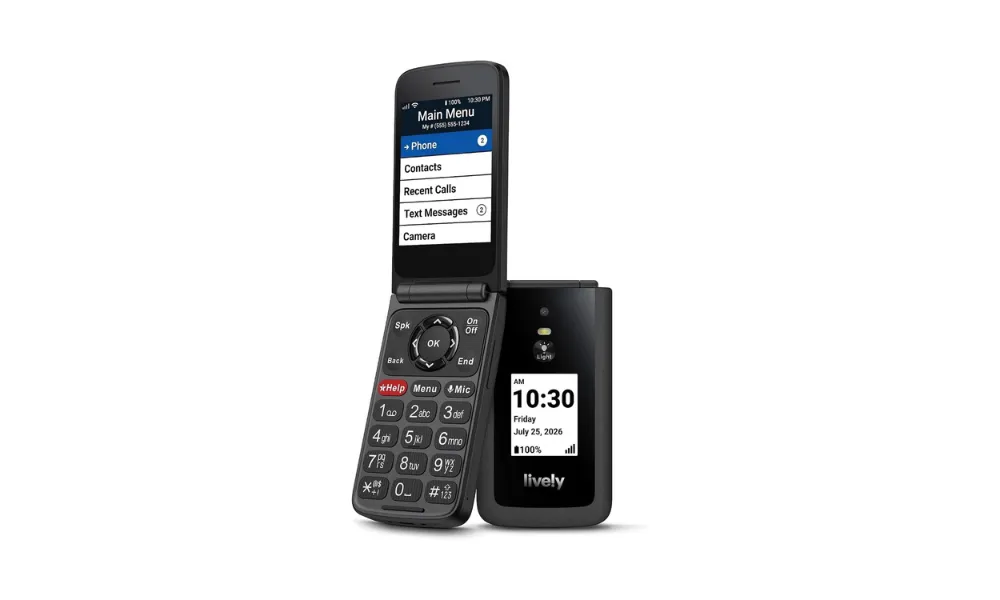
Not every older adult needs a smartphone. Some people simply want to make calls, send basic messages, and reach someone quickly in an emergency. The Lively Jitterbug Flip3 is designed for this type of user.
Its traditional flip-phone design includes physical buttons, a clear display, and a straightforward menu. The large, backlit keypad makes dialing easier, while the familiar opening-and-closing design can feel more comfortable than navigating a touchscreen.
One of its most notable features is the dedicated Urgent Response button. Depending on the selected Lively service plan, pressing this button can connect the user with an assistance agent. Additional services may also be available through Lively.
The phone is focused on essential communication rather than advanced smartphone features. It is therefore a good choice for someone who does not need numerous applications, social media, or extensive internet browsing.
Why Seniors May Like It:
- Large, backlit physical buttons.
- Simple flip-phone design.
- Easy-to-understand menu.
- Dedicated Urgent Response button.
- Straightforward calling and messaging.
Potential Drawback: The phone is tied to Lively’s service, so it is not a flexible option for people who want to choose another carrier.
Best For: Seniors who prefer physical buttons and mainly need a phone for calls, messages, and emergency assistance.
4. Lively Jitterbug Smart5 – Best Simplified Smartphone for Seniors
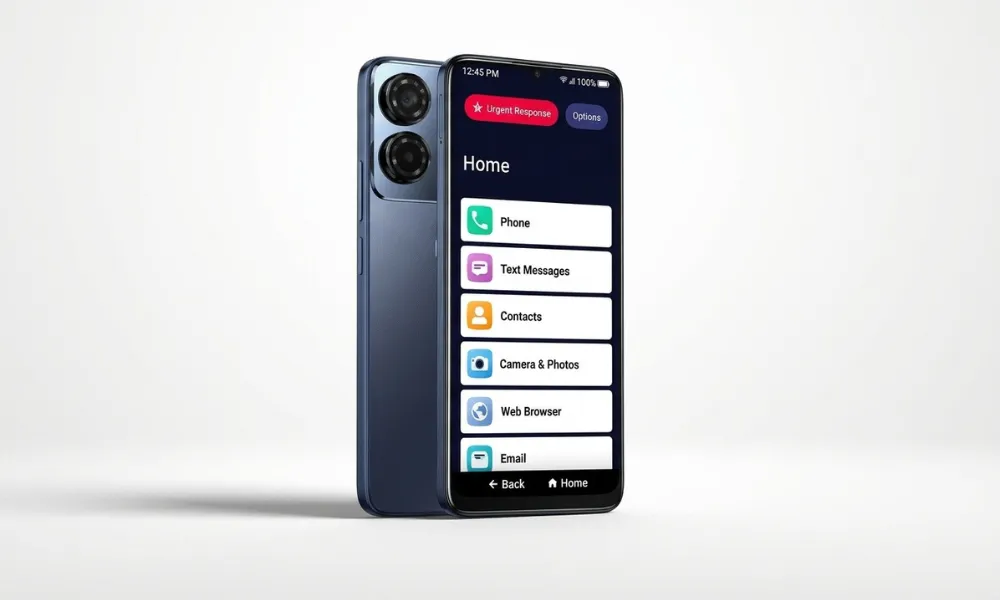
The Lively Jitterbug Smart5 is designed for older adults who want smartphone functionality but find traditional smartphone menus difficult to navigate.
Instead of relying on a crowded grid of small application icons, the Smart5 uses a simple list-based interface. Common options such as calling, messaging, the camera, and email are displayed in a straightforward layout. Its large 6.75-inch screen also provides more room for readable text.
The phone is useful for seniors who want to stay connected through video calls, send messages, view photographs, and access selected applications without dealing with an overly complicated home screen.
It also offers access to Lively’s assistance services, depending on the chosen plan. This can be helpful for older adults who value additional support when using their phone.
Why Seniors May Like It:
- Simplified, list-based home screen.
- Large 6.75-inch display.
- Readable text and straightforward navigation.
- Smartphone features for everyday communication.
- Optional Lively assistance services.
Potential Drawback: Like the Jitterbug Flip3, the Smart5 is designed around Lively’s service, which limits carrier flexibility.
Best For: Seniors who want a smartphone but prefer a simpler interface than standard Android devices.
5. Google Pixel 10a – Best Android Smartphone for Seniors
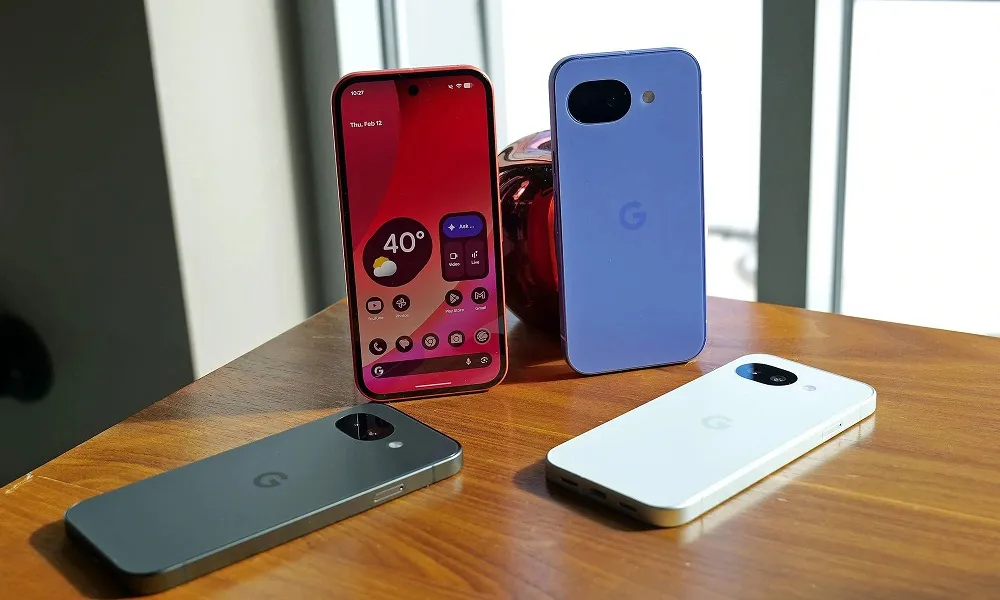
The Google Pixel 10a is another strong option for seniors who want a modern Android smartphone. It combines a straightforward Google software experience with accessibility tools that can make everyday tasks more comfortable.
Its display supports adjustable text sizes and screen magnification, helping users who have difficulty reading smaller content. Android accessibility features such as TalkBack and voice controls can also assist people who prefer spoken guidance or hands-free interaction.
The Pixel 10a includes useful safety features such as Car Crash Detection and Satellite SOS in supported regions. These features can help users access emergency assistance under certain conditions, although availability varies by location and service requirements.
Google’s software experience is another advantage. The phone provides access to common applications for video calls, messaging, navigation, photography, and online services. Its long software-support commitment also makes it a sensible option for people who want to keep their phone for several years.
Why Seniors May Like It:
- Adjustable text and display magnification.
- Android accessibility tools.
- Voice-control options.
- Emergency and safety features in supported regions.
- Long-term software support.
Potential Drawback: The Pixel 10a does not have the physical keypad or simplified interface of a dedicated senior phone. Some users may need help setting it up.
Best For: Seniors who prefer Android and want a modern smartphone with useful accessibility features.
What to Look for When Choosing the Best Cell Phone for Seniors
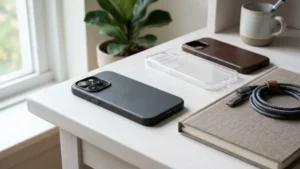
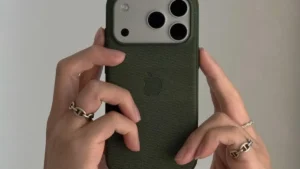
Before buying a phone, consider the user’s eyesight, hearing, hand mobility, technical experience, and communication habits. A phone with advanced specifications is not necessarily the best choice if its interface is difficult to understand. For users choosing an iPhone 17 Pro Max, a suitable protective case can also provide a better grip and help protect the device from accidental damage.
1. Large, Easy-to-Read Display
A clear screen makes reading messages, viewing photographs, and navigating applications more comfortable. Look for adjustable font sizes, screen magnification, good brightness, and useful contrast settings.
2. Simple Navigation
A straightforward home screen can reduce confusion. Physical buttons may be preferable for people who do not enjoy touchscreen controls, while simplified smartphone modes can make modern devices easier to understand.
3. Clear Speaker and Hearing-Aid Compatibility
Sound quality matters when making regular phone calls. Check the phone’s hearing-aid compatibility rating and confirm that it works with the user’s particular hearing aids. Speakerphone volume and call clarity are also worth testing.
4. Emergency and Safety Features
Some phones offer emergency buttons, crash detection, or emergency calling services. These features differ by model and region. Check whether an emergency service requires a separate subscription and whether it operates in the user’s location.
5. Battery Life
A dependable battery reduces the need for frequent charging. Consider how often the phone will be used for calls, messages, video calls, and internet browsing. Battery performance also depends on network coverage and individual usage.
6. Comfortable Size and Grip
A very large or heavy phone may be difficult for someone with limited hand strength. If possible, hold the device before purchasing it. A protective case with a secure grip can also help.
Smartphone vs. Flip Phone: Which Is Better for Seniors?
The right choice depends on what the person wants to do with the phone.
A flip phone is generally better for someone who mainly makes calls and sends simple messages. Physical buttons, a familiar design, and fewer applications can make everyday use easier.
A smartphone is more suitable for someone who wants video calls, internet access, navigation, photography, online banking, and messaging applications. Smartphones also offer more extensive accessibility settings, although they may require an initial learning period.
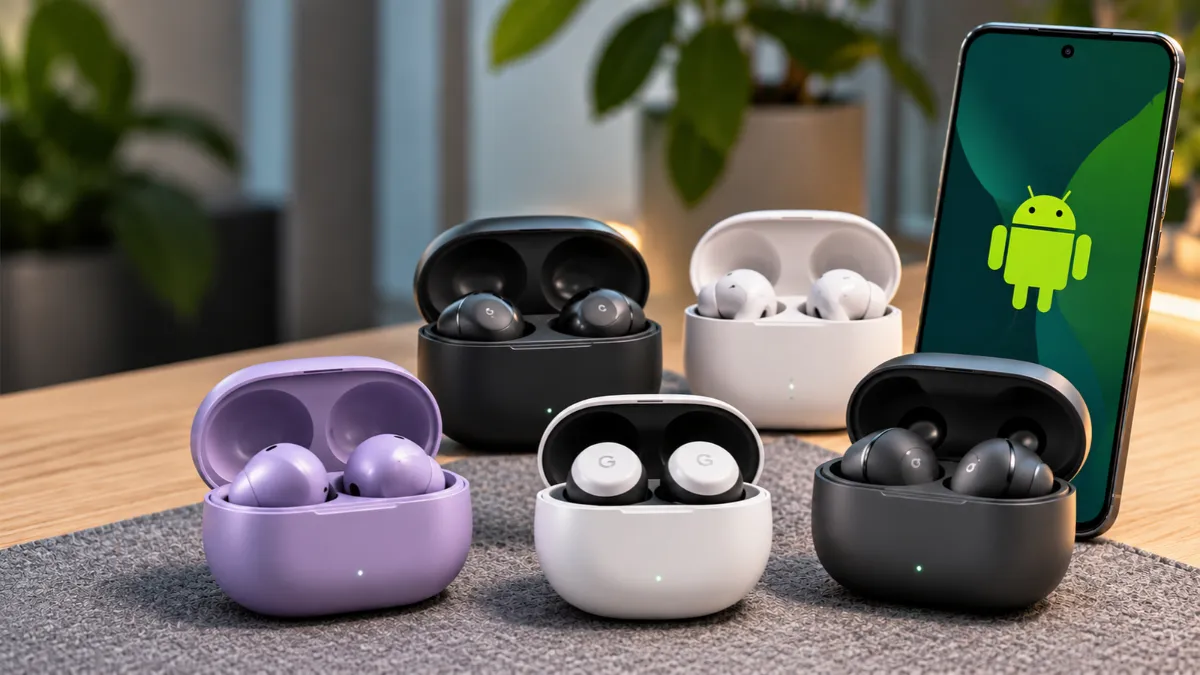
Older adults who also enjoy listening to music or making hands-free calls can explore these best earbuds for Android for additional listening options.
Conclusion
Finding the best cell phone for seniors starts with understanding the user’s everyday needs. The Apple iPhone 17 is a strong overall smartphone choice, while the Samsung Galaxy A37 5G offers a large display and good value. Seniors who prefer physical buttons may find the Lively Jitterbug Flip3 easier to use, whereas the Jitterbug Smart5 provides a simpler smartphone experience. The Google Pixel 10a is another good option for Android users who value accessibility and software support.
Before making a purchase, check network compatibility, local availability, hearing-aid support, and the cost of any emergency assistance subscription. Most importantly, choose a phone that feels comfortable and easy to operate.
Frequently Asked Questions
1. What is the best cell phone for seniors overall?
The Apple iPhone 17 is a strong overall option for seniors who want a modern smartphone with accessibility tools, voice controls, and safety features. However, a simpler flip phone may be better for someone who mainly needs calls and messages.
2. Are flip phones easier for seniors to use?
Yes, flip phones can be easier for people who prefer physical buttons and straightforward menus. They are especially useful for basic calling and messaging without the complexity of a full smartphone.
3. What phone is best for seniors with poor eyesight?
A smartphone with adjustable text size, screen magnification, high-contrast settings, and voice assistance can be helpful. The iPhone 17 and Google Pixel 10a offer several accessibility options for users with vision difficulties.
4. Do senior-friendly phones have emergency buttons?
Some models, including the Lively Jitterbug Flip3 and Smart5, offer access to dedicated emergency assistance services. Check the required service plan, subscription cost, and regional availability before purchasing.
5. Should seniors choose an iPhone or an Android phone?
Both can work well. iPhones offer extensive accessibility features and a consistent interface, while Android phones provide more device choices and customization options. The best choice depends on the user’s preferences and familiarity with each system.